
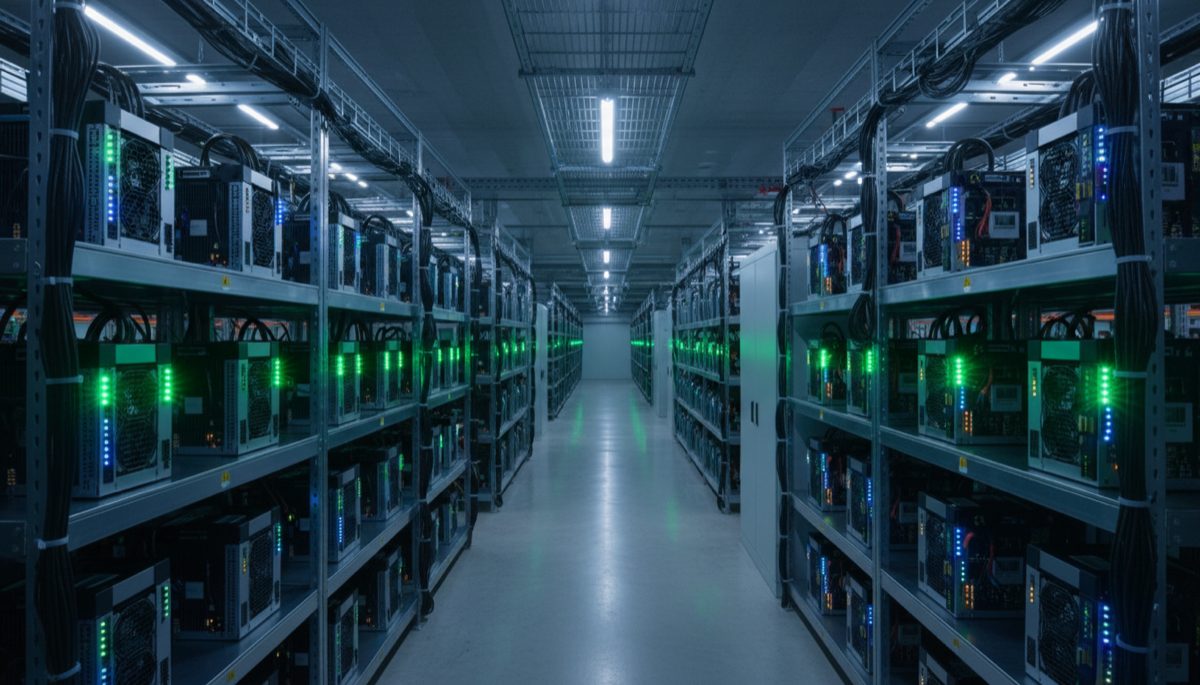
Knowing how to join a mining pool is the first practical step toward earning bitcoin through mining. Solo mining is a lottery — your single machine against a network producing over 700 exahashes per second. A mining pool combines the hashrate of thousands of miners, finds blocks more consistently, and distributes rewards proportionally. Whether you are running one ASIC in your garage or managing a rack of machines, pool mining converts unpredictable windfalls into steady, measurable income.
This step-by-step guide covers everything you need to join a mining pool in 2026: choosing the right pool, configuring your hardware, understanding payout methods, and optimizing your setup for maximum efficiency.
Prerequisites: What You Need Before Joining a Pool
Before you configure anything, make sure you have these basics in place:
- An ASIC miner. CPU and GPU mining for Bitcoin ended years ago. Modern Bitcoin mining requires application-specific integrated circuits (ASICs) like the Antminer S21 or Whatsminer M60. The minimum viable hashrate for meaningful daily income through a pool is roughly 100-200 TH/s.
- Adequate power supply. A modern ASIC draws 3,000-3,500 watts. You need a dedicated 240V circuit, proper ventilation, and an electricity rate low enough to make mining profitable. Check your rate against current profitability calculators before investing in hardware.
- A Bitcoin wallet address. You will need this to receive pool payouts. Use a self-custodial wallet — not an exchange address. A hardware wallet is ideal for receiving mining payouts since the amounts accumulate over time.
- Internet connection. Mining does not require high bandwidth (a few megabytes per day), but it does require low latency and high uptime. A wired Ethernet connection is strongly preferred over Wi-Fi.
- Bitcoin Mining Privacy: Home to Institutional
- Bitcoin Node Guide: Decentralization 2026
Step 1: Choose a Mining Pool
The pool you choose affects your income stability, fee structure, and the degree to which your mining contributes to Bitcoin’s decentralization. Here are the major pools operating in 2026:
Pool Comparison Table
| Pool | Hashrate Share | Payout Method | Fee | Minimum Payout | Best For |
|---|---|---|---|---|---|
| Foundry USA | ~30% | FPPS | Negotiated | Varies | Large-scale US operations |
| AntPool | ~19% | FPPS / PPLNS | 1-4% | 0.001 BTC | Bitmain hardware operators |
| F2Pool | ~11% | FPPS / PPLNS | 2-4% | 0.005 BTC | Multi-coin miners |
| ViaBTC | ~11% | PPS+ / PPLNS | 1-4% | 0.001 BTC | Flexibility in payout methods |
| OCEAN | ~1-2% | TIDES | 0% | Custom | Decentralization advocates |
| Braiins Pool | ~4% | Score-based | 2% | 0.001 BTC | Braiins OS+ users |
Factors to Consider
Pool size vs decentralization. Larger pools (Foundry, AntPool) find blocks more frequently, meaning more consistent daily payouts. However, concentrating too much hashrate in one pool poses centralization risks to Bitcoin. If you care about network health, consider mid-sized pools like Braiins Pool or OCEAN.
Payout method. This is the single most impactful decision after choosing a pool:
- FPPS (Full Pay Per Share): You get paid for every valid share you submit, including a share of transaction fees. Income is the most predictable because the pool absorbs variance. Higher pool fees typically offset this stability.
- PPLNS (Pay Per Last N Shares): You get paid based on your share of work in the blocks the pool actually finds. Income varies more day-to-day but averages out to higher earnings over time because pool fees are lower.
- PPS+ (Pay Per Share Plus): A hybrid where block rewards are paid per share (like PPS) and transaction fees are distributed via PPLNS.
- Bitcoin Mining Privacy: Home to Institutional
- Bitcoin Node Guide: Decentralization 2026
For miners with thin profit margins, FPPS provides income predictability. For miners with comfortable margins who can absorb variance, PPLNS typically yields slightly more over time due to lower fees.
Step 2: Create a Pool Account
Most pools require a free account. The registration process typically involves:
- Visit the pool’s website and click “Sign Up” or “Register.”
- Provide an email address and create a password. Use a strong, unique password and enable two-factor authentication (2FA) immediately.
- Verify your email address.
- Navigate to the dashboard and locate the “Workers” or “Mining Setup” section.
- Add your Bitcoin payout address in the payment settings. Double-check this address — mining payouts sent to the wrong address are irreversible.
Some pools, like OCEAN, support payouts directly without traditional account creation — you connect your miner and specify a Bitcoin address in the configuration. This approach is simpler and more privacy-friendly but offers fewer management features.
Step 3: Configure Your ASIC Miner
Every ASIC miner has a web-based management interface accessible via your local network. Here is the general configuration process:
- Find your miner’s IP address. Most ASIC miners obtain an IP via DHCP when connected to your network. Check your router’s connected devices list, or use a network scanner tool like Advanced IP Scanner (Windows) or
nmap(Linux). - Access the web interface. Open a browser and navigate to the miner’s IP address (e.g.,
http://192.168.1.100). Default credentials are usuallyroot/rootfor Bitmain miners or printed on the miner’s documentation. - Navigate to the mining configuration page. This is typically labeled “Miner Configuration,” “Pool Settings,” or similar.
- Enter pool connection details:
You will need three pieces of information from your pool’s setup page:
- Pool URL (stratum address): e.g.,
stratum+tcp://pool.example.com:3333 - Worker name: Typically formatted as
username.worker1(your pool username, a dot, and a worker identifier you choose) - Password: Most pools use
xor leave this field irrelevant. Check your pool’s documentation. - Bitcoin Mining Privacy: Home to Institutional
- Bitcoin Node Guide: Decentralization 2026
Configure three pool entries if your miner supports it: your primary pool in slot 1, and one or two backup pools in slots 2 and 3. If your primary pool goes down, the miner automatically fails over to the backups.
- Save and apply the configuration. The miner will restart its mining process and connect to the pool within seconds.
- Verify the connection. Check the pool’s dashboard — your worker should appear within 5-10 minutes with its reported hashrate.
Step 4: Monitor Your Mining Operation
Once connected, monitor these key metrics on your pool’s dashboard:
- Reported hashrate: What your miner claims to produce. This should match the manufacturer’s specification for your model.
- Average hashrate: The pool’s estimate of your actual contribution, calculated from the shares you submit. This fluctuates but should average close to your reported hashrate over 24 hours.
- Share acceptance rate: Should be above 98%. A high rejection rate indicates network latency issues or hardware problems.
- Daily earnings estimate: Your projected daily earnings based on current hashrate, network difficulty, Bitcoin price, and pool fee structure.
- Temperature and fan speed: Monitor via the ASIC’s web interface. Most miners operate safely between 60-80°C. Sustained temperatures above 85°C indicate inadequate cooling.
- Bitcoin Mining Privacy: Home to Institutional
- Bitcoin Node Guide: Decentralization 2026
Step 5: Configure Payouts
Payout settings vary by pool but generally include:
- Payout threshold: The minimum balance before the pool sends bitcoin to your wallet. Lower thresholds mean more frequent payouts but higher total transaction fees. A threshold of 0.005-0.01 BTC balances frequency with fee efficiency.
- Payout frequency: Some pools pay daily, others when you reach the threshold. Daily payouts are convenient but accumulate more on-chain fees over time.
- Lightning payouts: Some pools (including OCEAN) support Lightning Network payouts using BOLT12 offers, enabling smaller, more frequent payouts with negligible fees. If your pool supports this and you have a Lightning wallet, it is worth enabling.
- Bitcoin Mining Privacy: Home to Institutional
- Bitcoin Node Guide: Decentralization 2026
Troubleshooting Common Issues
Miner shows 0 hashrate on pool dashboard
Wait 10-15 minutes — new connections take time to register shares. If the hashrate remains zero, verify the stratum URL is correct, check that your network does not block the pool’s port (common ports: 3333, 25, 443), and ensure the worker name format matches your pool’s requirements.
High share rejection rate
Rejections above 2% suggest network latency. Try connecting to a pool server geographically closer to your location. If the pool offers multiple stratum endpoints for different regions, switch to the nearest one.
Reported hashrate is lower than expected
Check the miner’s operating temperature. Thermal throttling reduces hashrate to protect the hardware. Ensure adequate airflow, ambient temperature below 35°C, and clean dust filters. Also verify that power supply is delivering full rated wattage — an undersized PSU will cap your miner’s performance.
Payouts not arriving
Verify your payout address in the pool dashboard (a single wrong character means lost funds). Check that your balance exceeds the payout threshold. During periods of high on-chain fees, some pools delay payouts to batch transactions — check the pool’s announcements page.
Advanced: Stratum V2 and Decentralized Block Construction
Traditional mining pools control which transactions go into blocks — miners just provide hashpower. Stratum V2 is a protocol upgrade that shifts block template construction to individual miners, reducing the pool operator’s power over transaction selection.
Braiins Pool was the first major pool to support Stratum V2, and OCEAN builds its architecture around giving miners control over block construction. If Bitcoin’s decentralization matters to you beyond earning income, consider pools that support Stratum V2 or similar transparency mechanisms.
Frequently Asked Questions
Can I mine Bitcoin with a regular computer?
Not profitably. Modern Bitcoin mining requires ASIC hardware because the network difficulty is so high that CPUs and GPUs cannot find valid hashes fast enough to generate meaningful income. An ASIC is millions of times more efficient than a GPU at SHA-256 hashing.
How much can I earn mining Bitcoin in a pool?
Earnings depend on your hashrate, electricity cost, the current Bitcoin price, and network difficulty. A single Antminer S21 (200 TH/s) at $0.06/kWh generates roughly $8-15 per day in net profit at early 2026 difficulty and price levels. Use an up-to-date mining calculator for current estimates.
Is it safe to mine in a pool?
Pool mining does not give the pool access to your bitcoin — payouts go directly to your wallet address. The main risk is the pool shutting down while holding a small unpaid balance. Minimize this risk by using established pools with long track records and setting reasonable payout thresholds.
Can I switch pools without stopping my miner?
Yes. Simply update the stratum URL and worker name in your miner’s configuration interface. The miner will disconnect from the old pool and connect to the new one within seconds. Any unpaid balance on the old pool will be paid out according to that pool’s minimum payout schedule.
Mining Pools Explained from the
Bitcoin Mining & Economics course.