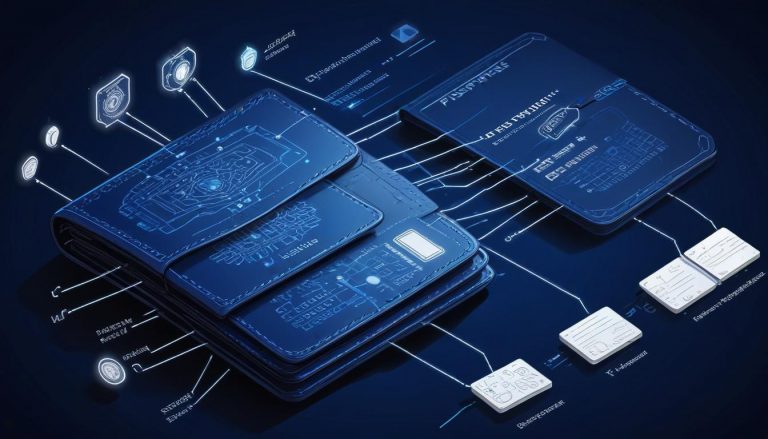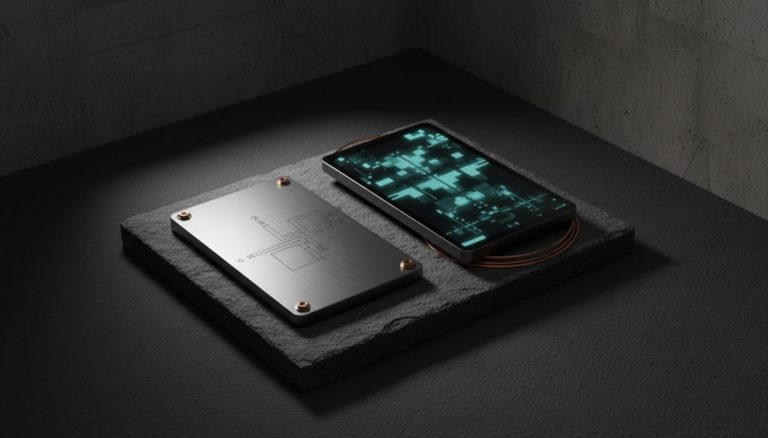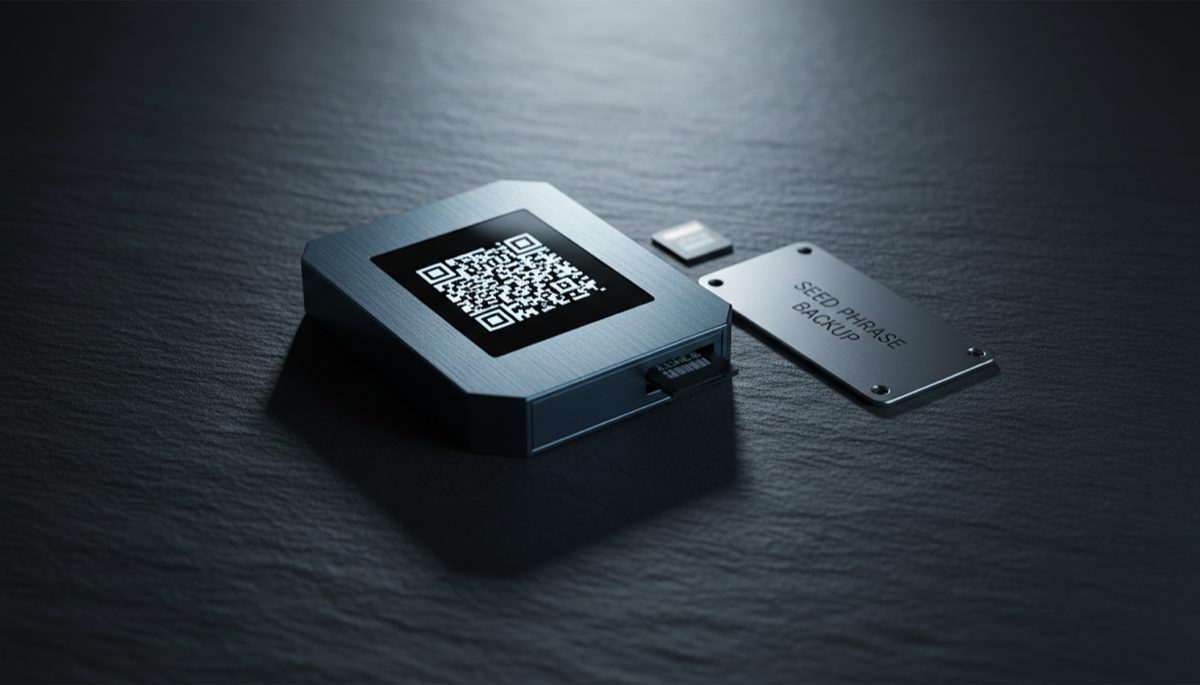
The evolution of cryptocurrency hardware wallets represents a fascinating intersection of security engineering and usability design, marking a significant advancement in how we approach digital asset protection. As the cryptocurrency ecosystem matures, the importance of robust security measures has driven innovation in hardware wallet technology, particularly in the realm of air-gapped solutions that maintain complete isolation from potentially compromised devices.
The concept of air-gapping has long been considered the gold standard for cryptocurrency security, but historically, this came with significant trade-offs in terms of user experience. Modern hardware wallets have revolutionized this paradigm by introducing multiple secure communication methods that maintain security while enhancing usability. The integration of optical QR code scanning and Near Field Communication (NFC) technology represents a significant leap forward, offering users redundant secure channels for transaction signing and verification.
The implementation of full keyboards on hardware wallets addresses one of the most significant pain points in cryptocurrency security – seed phrase and passphrase entry. Traditional button-based interfaces made this process tedious and error-prone, potentially discouraging users from implementing robust security practices. The addition of complete keyboard functionality streamlines these critical security operations while maintaining the integrity of the air-gap.
From Paper Wallets to Modern Hardware Cards
The methods for securing Bitcoin have progressed from basic paper wallets to increasingly sophisticated hardware solutions, each offering unique benefits and tradeoffs. Early solutions like paper wallets offered maximum security through complete air-gapping but suffered from significant practical limitations in terms of convenience and risk of physical damage. This led to the development of hardware wallets, which represented a quantum leap forward in balancing security with usability.
More recent innovations have focused on making hardware-based security more accessible and user-friendly while maintaining robust protection. Modern solutions like smart cards and specialized Bitcoin storage cards leverage secure element technology – the same type of chips used in credit cards and secure government IDs – to provide hardware-level security in a familiar form factor. The security architecture of these storage cards typically involves a secure element that generates and stores private keys in a protected environment, never exposing them to the host device.
Wallet Interoperability and Software Integration
Wallet interoperability has become increasingly crucial as the cryptocurrency ecosystem expands. Modern hardware wallets must seamlessly integrate with various software solutions, from desktop applications to mobile wallets. This compatibility layer is essential for providing users with flexibility while maintaining security. The ability to work with multiple software interfaces ensures that users aren’t locked into specific ecosystems and can choose tools that best fit their needs.
The implementation of different Bitcoin address formats represents a critical consideration in the compatibility of storage solutions with various wallet software and exchanges. Native SegWit addresses (starting with ‘bc1’) offer advantages in terms of transaction fees and block space efficiency, but not all services have fully implemented support for these newer address formats. Integration with the broader Bitcoin ecosystem requires careful attention to standards and compatibility, including support for various address formats, transaction signing protocols, and key derivation schemes.
Multisig and Advanced Security Configurations
Multi-signature (multisig) setups have emerged as a crucial security feature for institutional and high-net-worth individuals securing significant cryptocurrency holdings. The ability to use multiple hardware wallets in a coordinated fashion provides an additional layer of security through distribution of trust. This approach prevents single points of failure and allows for sophisticated key management strategies that balance security with operational needs.
Seed management and backup strategies represent another critical aspect of hardware wallet implementation. The ability to securely transfer existing seeds between devices or generate new ones with high-quality entropy sources is fundamental to maintaining long-term security. Best practices typically involve maintaining backup devices or seeds stored in geographically distributed locations, providing redundancy against device failure or loss.
The Future of Air-Gapped Security
The intersection of security and usability continues to drive innovation in the hardware wallet space. Features like secure elements, tamper-evident packaging, and robust firmware update mechanisms all contribute to a comprehensive security model. The future of hardware wallets may see increased integration with emerging standards like BIP-85 for deterministic entropy and advanced features like partially signed bitcoin transactions (PSBTs).
The continued evolution of Bitcoin storage solutions will likely focus on convergence between different approaches, combining the best aspects of air-gapped hardware wallets with modern smart card convenience. The integration of new communication protocols, enhanced display technologies, and improved user interfaces will shape the next generation of devices while maintaining backward compatibility with the evolving protocol and infrastructure.
For more on this topic, see our guide on Bitcoin Node Security and Decentralization.
Physical device security plays a key role — learn about DIY Bitcoin Signing Device: Hardware Guide.
For secure signing practices, see Hardware Wallets and Node Connectivity: Setup Guide.
For secure signing practices, see Hardware Wallet Integration: Common Issues.
For secure signing practices, see Hardware Wallet Migration: Script Types.
Step-by-Step Guide to Setting Up an Air-Gapped Hardware Wallet
An air-gapped hardware wallet provides the highest level of isolation for your Bitcoin private keys by eliminating all direct electronic connections with networked devices. This guide walks through the complete setup and transaction signing workflow.
Step 1: Choose an air-gapped hardware wallet. Select a device specifically designed for air-gapped operation. The Coldcard Q communicates via QR codes displayed on its built-in screen and scanned by a camera, or via microSD card transfers. Passport by Foundation Devices uses a camera for QR scanning. SeedSigner and Krux are open-source DIY alternatives that use Raspberry Pi Zero hardware with a camera module.
Step 2: Initialize the device in a secure location. Remove the device from its tamper-evident packaging and verify the integrity of seals. Power the device using batteries or a USB power bank (never a computer USB port). Follow the device prompts to generate a new seed phrase. Write down the seed phrase on steel plates or archival paper immediately. Verify each word against the device display.
Step 3: Configure the wallet settings. Set a strong PIN code (Coldcard supports PINs up to 12 digits). Enable any additional security features such as login countdown, brick-me PIN, and scrambled PIN entry. Configure the device for your preferred address type — native SegWit (bech32) is recommended for lower transaction fees and improved error detection.
Step 4: Export the public key to your coordinator software. On the hardware wallet, navigate to the export function and save the wallet’s extended public key (xpub) to a microSD card, or display it as a QR code. Import this public key into Sparrow Wallet or another coordinator application on your computer. The coordinator can now generate receiving addresses and construct unsigned transactions without access to private keys.
Step 5: Receive your first deposit. Use the coordinator software to generate a receiving address. Verify this address on the hardware wallet’s display by navigating to the address explorer feature. Only send funds to an address confirmed on both the coordinator and the hardware wallet screen. This dual verification prevents address substitution attacks.
Step 6: Sign a transaction using the air-gapped workflow. When you need to send bitcoin, create an unsigned PSBT (Partially Signed Bitcoin Transaction) in your coordinator software. Save the PSBT to a microSD card or encode it as a QR code. Transfer the PSBT to the hardware wallet via the microSD card or by scanning the QR code with the device’s camera. Review every transaction detail on the hardware wallet screen — recipient address, amount, and fee — before confirming the signature.
Step 7: Broadcast the signed transaction. After the hardware wallet signs the PSBT, export the signed transaction back to the coordinator via microSD or QR code. The coordinator software broadcasts the signed transaction to the Bitcoin network through your connected node or a public server. Verify the transaction appears in the mempool and is eventually confirmed.
Step 8: Establish ongoing maintenance procedures. Replace batteries before they run low to prevent data corruption during signing. Check for firmware updates periodically and apply them following the manufacturer’s verified update procedure. Store the hardware wallet in a secure location when not in use, separate from your seed phrase backups.
Common Mistakes to Avoid
Connecting the hardware wallet to a computer via USB “just once.” A single USB connection can expose the device to malicious firmware injection, BadUSB attacks, or data exfiltration. Once you commit to an air-gapped workflow, maintain it consistently. Even brief connections undermine the security model that justifies the added complexity of air-gapped operation.
Using consumer-grade microSD cards for PSBT transfers. Low-quality microSD cards can fail silently, corrupting PSBT data and potentially causing transaction issues. Use industrial-grade microSD cards from reputable manufacturers. Keep a spare card available and periodically test card read/write operations to ensure reliability.
Failing to verify addresses on the hardware wallet display. The coordinator software on your computer could be compromised by malware that substitutes addresses. Always verify the complete receiving address on the hardware wallet’s screen before sending any funds. This is the most critical step in the air-gapped workflow and should never be skipped.
Skipping the QR code or microSD card inspection. When transferring PSBTs via microSD card, be aware that a compromised computer could write additional files to the card. Use a fresh card for each transfer session or format the card on the hardware wallet before loading new PSBTs. For QR code transfers, the visual nature of the medium makes tampering impractical.
Frequently Asked Questions
Is an air-gapped wallet significantly more secure than a USB-connected hardware wallet?
Air-gapped wallets eliminate an entire class of attacks that exploit USB communication, including BadUSB attacks, malicious device drivers, and USB-based data exfiltration. The security improvement is most significant when combined with proper operational procedures. However, a USB-connected hardware wallet with a secure element still provides strong protection for most threat models. Air-gapping is most valuable for high-value holdings or users facing advanced threat actors.
Can I use an air-gapped wallet for Lightning Network transactions?
Air-gapped wallets are designed for on-chain Bitcoin transactions. Lightning Network requires persistent online connectivity for channel management and routing, making it fundamentally incompatible with air-gapped signing. Use a separate, dedicated Lightning wallet for payment channel operations and keep your long-term savings in an air-gapped cold storage setup.
How do firmware updates work on an air-gapped device?
Firmware updates for air-gapped devices are typically delivered via microSD card. Download the firmware file on a computer, verify its cryptographic signature against the manufacturer’s public key, and copy it to a microSD card. Insert the card into the hardware wallet and follow the device prompts to install the update. The device verifies the firmware signature internally before applying the update.