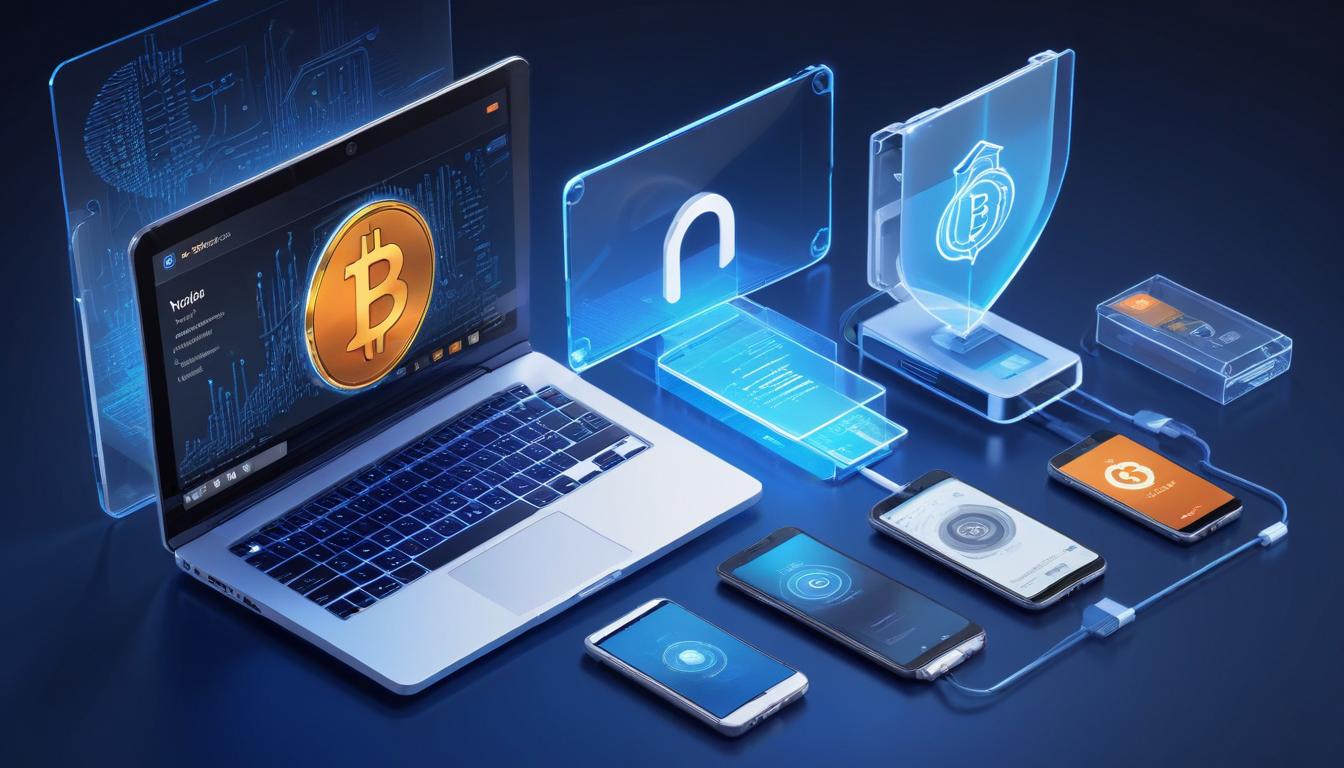
The intersection of cryptocurrency custody and digital privacy has become an increasingly critical consideration in the modern Bitcoin ecosystem. As users seek to maintain financial sovereignty while operating in an increasingly surveilled digital landscape, understanding the security implications of different wallet solutions and device choices has never been more important.
The fundamental challenge of mobile Bitcoin custody stems from the inherent nature of mainstream mobile operating systems. Both iOS and Android devices operate within carefully controlled ecosystems where the platform providers – Apple and Google respectively – maintain significant visibility into device operations. This creates a complex security consideration for Bitcoin users who must evaluate the tradeoffs between convenience and privacy when choosing wallet solutions.
Mobile hot wallets, while offering convenience and accessibility, introduce several potential privacy vulnerabilities. The primary concern centers around key generation and storage occurring on devices that are fundamentally connected to centralized service providers. When a Bitcoin wallet generates private keys on a mobile device, this sensitive cryptographic operation happens within an environment that may not be fully isolated from system-level surveillance.
The implications of mobile wallet privacy extend beyond just key generation. Transaction history, address generation, and network connections can potentially be logged or monitored at the operating system level. This creates a situation where supposedly ‘private’ Bitcoin transactions could theoretically be linked to specific devices and, by extension, to their users. The privacy implications become particularly relevant when considering non-KYC Bitcoin acquisition methods, where users specifically seek to maintain transaction privacy.
Hardware wallets represent a crucial evolution in addressing these privacy concerns by moving key operations to dedicated secure elements. These purpose-built devices create an air-gapped environment for private key generation and transaction signing, significantly reducing the attack surface for potential surveillance or compromise. When paired with privacy-preserving desktop applications, hardware wallets enable users to maintain sovereignty over their Bitcoin while minimizing exposure to device-level monitoring.
The role of operating system choice in Bitcoin privacy cannot be overstated. Alternative operating systems like GrapheneOS and CalyxOS have emerged as privacy-preserving options for mobile users. These ‘de-googled’ Android variants minimize or eliminate many of the surveillance capabilities present in standard mobile operating systems. However, they require technical sophistication to implement and may impact device functionality or convenience.
Desktop environments paired with hardware wallets currently represent the strongest approach to maintaining Bitcoin privacy. Applications like Sparrow Wallet, when used in conjunction with hardware signing devices, enable users to generate addresses and construct transactions in an environment more resistant to surveillance. This setup provides a practical balance between security, privacy, and usability for most Bitcoin users.
Looking toward the future, the development of more privacy-preserving mobile solutions remains an active area of innovation in the Bitcoin ecosystem. Projects exploring secure enclaves, trusted execution environments, and novel cryptographic approaches may eventually enable truly private mobile Bitcoin operations. However, until such solutions mature, users must carefully consider the privacy implications of their wallet choices and device environments.
The path forward requires a nuanced understanding of the tradeoffs between convenience and privacy in Bitcoin custody. Users must evaluate their specific threat models and privacy requirements when choosing wallet solutions and operating environments. For those prioritizing privacy, the combination of hardware wallets, privacy-preserving desktop applications, and careful operational security practices remains the most robust approach to maintaining Bitcoin sovereignty in an increasingly surveilled digital world.
Step-by-Step Guide
Securing your Bitcoin wallet privacy against device-level surveillance requires deliberate choices at every layer of the stack — from the operating system to the wallet application to the network connection. Follow these steps to build a privacy-preserving wallet setup.
Step 1: Assess Your Current Privacy Exposure. Inventory every device and application that interacts with your Bitcoin. For each wallet app, answer these questions: Does it connect to the developer’s servers or your own node? Does the device it runs on have Google Play Services or Apple telemetry enabled? Have you ever used the wallet on a Wi-Fi network associated with your real identity? This audit reveals the specific points where your Bitcoin activity could be linked to your personal identity.
Step 2: Set Up a Dedicated Desktop Environment. Install a privacy-oriented Linux distribution — Tails (for amnesic sessions that leave no trace), Qubes OS (for compartmentalized workflows), or a minimal Debian installation — on a dedicated computer or a bootable USB drive. This machine should be used exclusively for Bitcoin operations. Avoid installing web browsers, email clients, or social media applications that could leak your identity through cookies, telemetry, or DNS queries. The fewer unrelated services running, the smaller your attack surface.
Step 3: Install Sparrow Wallet on the Dedicated Machine. Download Sparrow Wallet from its official website and verify the PGP signature before installation. Configure Sparrow to connect to your personal Bitcoin node over Tor. In Preferences → Server, enter your node’s .onion address and enable the Tor proxy. Sparrow now routes all address lookups, transaction broadcasts, and fee estimation through your own infrastructure over an encrypted, anonymized connection.
Step 4: Pair a Hardware Wallet for Key Isolation. Connect a hardware wallet — Coldcard, Foundation Passport, Trezor, or Keystone — to Sparrow. For maximum air-gap security, use a QR-code-based workflow (Passport, Keystone) or a microSD card transfer (Coldcard) instead of USB. The hardware wallet generates and stores private keys in a secure element that the desktop operating system cannot access. Transaction signing happens entirely on the hardware device, which displays the transaction details on its own screen for manual verification before signing.
Step 5: Install GrapheneOS on a Secondary Mobile Device (Optional). If you need mobile wallet access, purchase a Google Pixel phone and install GrapheneOS — an Android-based operating system that strips out all Google telemetry while maintaining app compatibility. Do not install Google Play Services. Install Bitcoin wallet apps from F-Droid or by sideloading APK files verified against their developer’s PGP signatures. Connect the wallet to your node over Tor using Orbot as a SOCKS5 proxy.
Step 6: Disable Clipboard Monitoring and Notifications. On any device that handles Bitcoin addresses or transaction data, disable clipboard history (which may sync to cloud services), lock-screen notification previews (which can expose transaction amounts), and screenshot capabilities for wallet apps. On Android, many wallets implement FLAG_SECURE to prevent screenshots automatically. On desktop Linux, avoid clipboard managers that log history. These seemingly minor data leaks can cumulatively expose your Bitcoin activity to local and remote observers.
Step 7: Practice Network Hygiene. Never connect your Bitcoin device to a Wi-Fi network where your real name is on the account (home internet, workplace, hotel with room registration). Use a mobile hotspot on a SIM card registered to a separate identity, or route all traffic through a VPN or Tor before connecting to any network. For the highest privacy, use Tails OS which forces all traffic through Tor by default and leaves no trace on the host machine after shutdown.
Common Mistakes to Avoid
Device surveillance is subtle — the most damaging privacy leaks are often invisible to the user. These mistakes are widespread and particularly harmful.
1. Using a Standard iPhone or Android Phone as Your Primary Bitcoin Wallet. Stock iOS and Android devices send extensive telemetry to Apple and Google, including app usage data, network connection metadata, and in some cases location data. Even if the wallet app itself is privacy-preserving, the operating system underneath can observe which apps you open, when you open them, and what network connections they make. This metadata alone can reveal that you use Bitcoin, how frequently you transact, and potentially which services you interact with.
2. Generating Private Keys on an Internet-Connected Device. If you create a new wallet seed on a phone or desktop that is connected to the internet, you cannot guarantee that the seed was not observed by another process or exfiltrated through a software vulnerability. Always generate seed phrases on an air-gapped hardware wallet. If you must generate a seed on a computer, use an air-gapped machine running Tails OS booted from a verified USB drive with no network connection.
3. Copying Bitcoin Addresses Through Cloud-Synced Clipboards. Many operating systems sync clipboard contents across devices through cloud services — Apple’s Universal Clipboard, Windows clipboard history syncing to OneDrive, or Android clipboard accessible to Google services. Copying a Bitcoin address to the clipboard can transmit that address to Apple’s or Google’s servers, creating a permanent record linking your device to specific Bitcoin addresses. Type addresses manually or use QR codes to avoid clipboard exposure entirely.
4. Leaving Wallet Apps Accessible on Shared Devices. Family members, coworkers, or even repair technicians who access your device can open wallet apps and view balances, addresses, and transaction history. Use app-level authentication (biometrics or PIN separate from the device unlock), and consider keeping your Bitcoin wallet on a device that no one else touches. For hardware wallets, enable the PIN requirement on every power-on and set a brick attempt limit.
5. Connecting Hardware Wallets to Untrusted Computers. Plugging your Ledger or Trezor into a public computer, a friend’s laptop, or any machine you do not control exposes your extended public key (xpub) to that system. The computer can then track all of your wallet’s addresses and balances. Always connect hardware wallets only to your dedicated, hardened Bitcoin machine. For air-gapped hardware wallets (Coldcard via microSD, Passport via QR), the signing device never needs to touch an untrusted computer at all.
Frequently Asked Questions
Is GrapheneOS really necessary, or is standard Android with a VPN sufficient?
A VPN encrypts your network traffic and hides your IP from remote servers, but it does not prevent the operating system itself from observing your activity. Standard Android with Google Play Services sends telemetry data — including app usage, network timing, and device identifiers — directly to Google’s servers before the VPN can intervene. GrapheneOS removes this telemetry entirely, giving you control over what data leaves the device. If you cannot install GrapheneOS, at minimum disable Google Play Services, use a firewall app like NetGuard to block telemetry domains, and install wallet apps from F-Droid rather than the Play Store.
Can Apple or Google see my Bitcoin wallet balance?
Not directly. Apple and Google do not have access to your wallet’s private keys or the ability to query your balance through the wallet app’s encrypted data. However, they can infer significant information: they know you have a Bitcoin wallet installed, they can observe network connections to Bitcoin-related servers (node IP addresses, Electrum servers), and they may have access to push notification metadata that reveals transaction alerts. Combined with your device’s unique identifiers and location data, this metadata can be correlated with on-chain activity by a motivated analyst.
Should I use a dedicated phone only for Bitcoin, or is compartmentalizing on one device enough?
A dedicated device provides stronger isolation because it eliminates cross-contamination between your Bitcoin activity and your personal identity. On a shared device, even with GrapheneOS, other apps can leak metadata — a chat app revealing your phone number, a browser leaking cookies, or a map app recording your location — that could be correlated with Bitcoin wallet activity by timestamp. A dedicated Bitcoin phone, used only for wallet operations and connected only over Tor, minimizes these correlation vectors. The cost of a used Pixel phone ($100–$200) is modest relative to the privacy improvement.
Are air-gapped hardware wallets significantly more secure than USB-connected ones?
Air-gapped wallets (Coldcard via microSD, Foundation Passport via QR, Keystone via QR) eliminate the USB attack surface entirely. A USB connection theoretically exposes the hardware wallet to firmware exploits delivered through the host computer’s USB stack, malicious USB host controllers, or data exfiltration through USB side channels. While no practical USB-based attacks against major hardware wallets have been demonstrated in the wild, air-gapping removes the possibility entirely. For most users, USB-connected hardware wallets (Trezor, Ledger) remain secure — but for high-value holdings or elevated threat models, air-gapped signing provides an additional security margin.