The reliability and security of Bitcoin wallet implementations represent critical components in the broader cryptocurrency ecosystem. This analysis explores the technical intricacies of wallet synchronization, transaction propagation, and the importance of running self-hosted nodes for sovereign Bitcoin custody. For a deeper look at this topic, see our guide on Bitcoin node synchronization challenges.
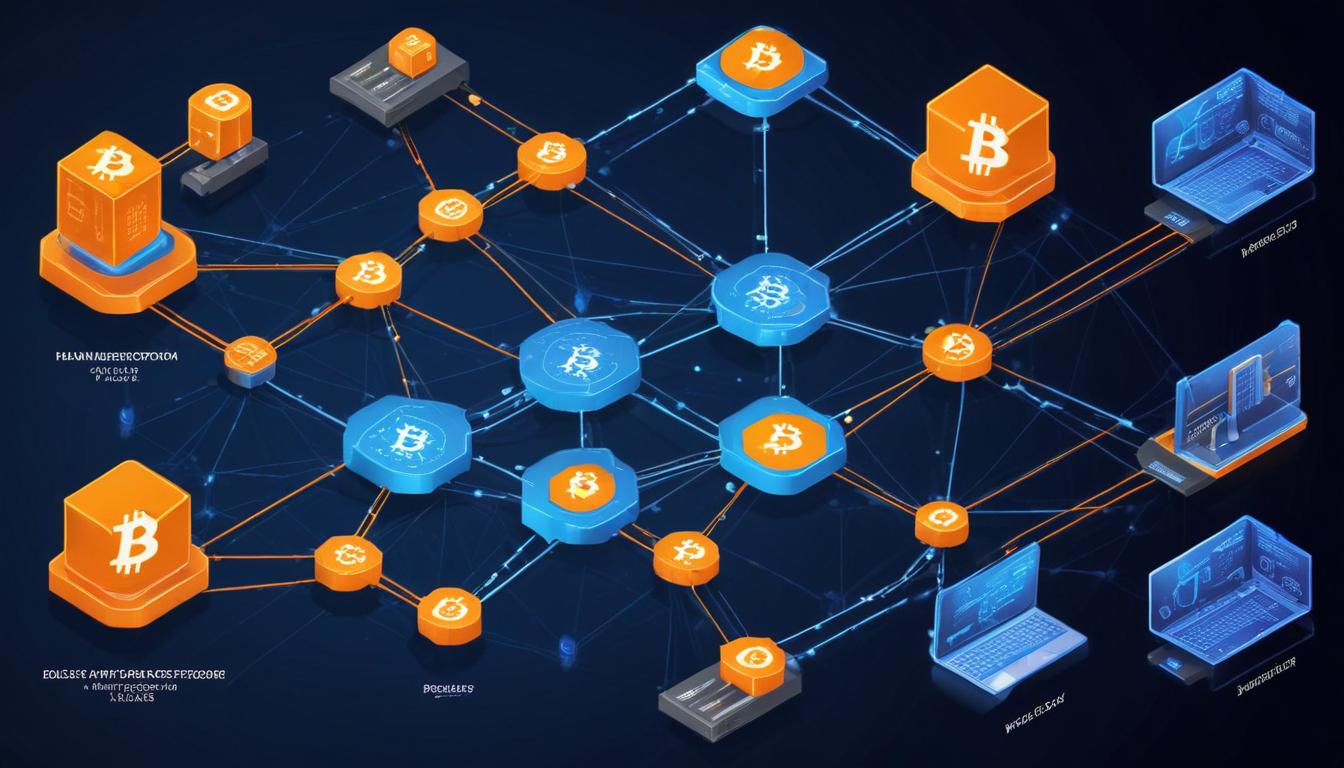
Network synchronization between Bitcoin nodes and wallet software presents unique technical challenges that directly impact user experience and security. When running a full node connected to wallet software, several critical factors influence transaction detection and confirmation visibility, including network latency, block propagation, and proper implementation of the Bitcoin peer-to-peer protocol. We explore this in detail in our article on running a Bitcoin full node.
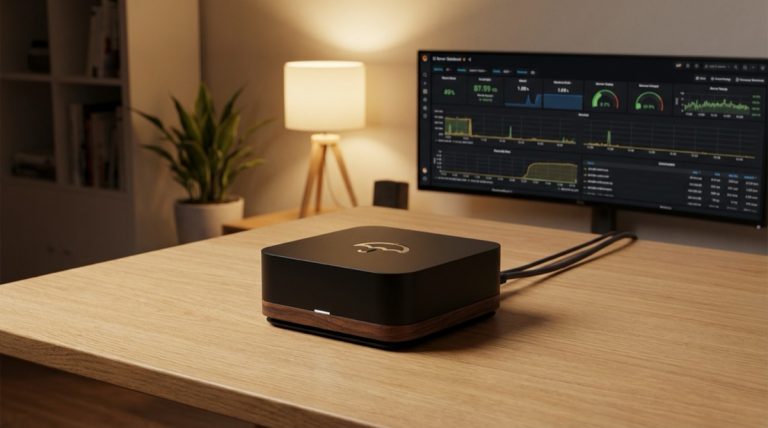
One of the most fundamental aspects of Bitcoin wallet security is the ability to independently verify transactions through self-hosted infrastructure. Running a personal full node connected to wallet software enables users to validate transactions without trusting third-party servers. This setup requires careful configuration of both the node software and wallet implementation to ensure proper communication and synchronization.
The relationship between different wallet implementations and node software can introduce complexities in transaction detection and confirmation. Hardware wallets, software wallets, and node implementations must all properly implement the Bitcoin protocol specifications to maintain consistency. Variations in implementation details can sometimes lead to temporary discrepancies in transaction visibility across different software.
Transaction propagation through the Bitcoin network follows specific technical patterns that affect confirmation visibility. When a transaction is broadcast, it first enters the mempool of nodes that receive it. This topic is explored further in our post on Bitcoin transaction fees. The speed at which different nodes receive and propagate transactions can vary based on network conditions, leading to temporary inconsistencies in transaction visibility across different wallet implementations.
Block propagation represents another critical factor in transaction confirmation visibility. When a new block is mined, it must propagate through the network before all nodes become aware of the included transactions. This process can introduce delays between when a transaction is confirmed and when different wallet implementations display the confirmation.
Proper node configuration plays an essential role in maintaining reliable wallet synchronization. Network connectivity, peer connections, and proper firewall configuration all impact how quickly a node receives new transactions and blocks. Users running personal nodes must ensure their setup meets the technical requirements for reliable operation. Our comprehensive guide on running your own Bitcoin node covers this further.
The security implications of wallet synchronization extend beyond mere transaction visibility. Proper verification of incoming transactions requires careful validation against the blockchain state. Wallet software must implement robust verification mechanisms to protect against various attack vectors while maintaining usability.
Looking toward the future, ongoing developments in Bitcoin protocol improvements and wallet implementations continue to enhance synchronization reliability and security. Projects focused on improving block propagation, transaction relay, and node performance contribute to a more robust ecosystem for Bitcoin custody solutions. You can learn more about this in our resource on modern Bitcoin custody solutions.
For users prioritizing sovereignty and security in their Bitcoin holdings, understanding these technical considerations remains crucial. Running properly configured personal infrastructure provides the highest level of security and reliability, though it requires careful attention to implementation details and ongoing maintenance.
The broader implications for Bitcoin’s continued development emphasize the importance of robust wallet implementations and node software. As the network grows, maintaining reliable synchronization while preserving decentralization and security represents an ongoing challenge for the technical community to address.
Step-by-Step Guide
Diagnosing and resolving wallet synchronization issues requires a systematic approach that traces the data path from the Bitcoin network through your node to the wallet software. Follow these steps when your wallet shows incorrect balances, missing transactions, or delayed confirmations.
Step 1: Verify Your Node Is Fully Synchronized. Open your node’s dashboard or run bitcoin-cli getblockchaininfo and compare the “blocks” field against the current block height reported by a trusted source like mempool.space (accessed over Tor). If your node is behind, the wallet cannot show recent transactions. Common causes of sync lag include insufficient disk I/O speed (especially on SD cards), low peer count due to firewall restrictions, or the node having been offline for an extended period. Allow the node to catch up fully before investigating further.
Step 2: Confirm the Electrum Server Index Is Current. If you use Sparrow, Electrum, or another wallet that connects via the Electrum protocol, the indexing server (Fulcrum or Electrs) must also be fully synced with Bitcoin Core. Check its log output or dashboard for the current indexed block height. A lag between Bitcoin Core and the indexer means the wallet will show stale data even though the underlying node is current. Fulcrum typically indexes within seconds of a new block; Electrs may take longer under load.
Step 3: Check Wallet Connection Status. In your wallet software, confirm it shows a connected state to your personal server rather than a public one. In Sparrow, the server icon in the bottom-right corner turns blue when connected; a red icon indicates a failed connection. If the wallet silently fell back to a public server, it may show a different view of your transaction history due to different indexing behavior or delayed sync on the public server’s side.
Step 4: Rescan the Wallet if Transactions Are Missing. If your node and indexer are both current but specific transactions do not appear, the wallet’s local database may have missed them during a sync gap. In Sparrow, use the “Drip Feed” rescan option under the wallet’s settings to re-query all addresses from your birth date (the date you created the wallet). In Electrum, use the History → Console and run the wallet rescan command. This process re-checks every address derived from your keys against the full blockchain index.
Step 5: Verify Transaction Propagation for Outgoing Payments. If a sent transaction is not appearing in the recipient’s wallet, check your node’s mempool using bitcoin-cli getmempoolentry <txid> to confirm the transaction was accepted. If it is not in the mempool, the transaction may have been rejected due to insufficient fees or an input conflict. Your wallet should show the transaction as failed. If the transaction is in the mempool but unconfirmed, it is simply waiting for a miner to include it — during high-fee periods, low-priority transactions can remain unconfirmed for hours or days.
Step 6: Compare State Across Multiple Wallet Implementations. Import the same extended public key into a second wallet application connected to the same node. If both wallets show the same balance and transaction history, the data is consistent and any remaining discrepancy is likely a display or caching issue in the original wallet. If the wallets disagree, the problem may lie in derivation path differences — verify both wallets use the same derivation path (e.g., m/84’/0’/0′ for native SegWit) and gap limit settings.
Step 7: Monitor Block Propagation Latency. Use your node’s debug log or the bitcoin-cli getpeerinfo command to check when your node last received a new block relative to when the block was mined (visible in the block timestamp). A consistently large gap suggests network connectivity issues — insufficient peers, high packet loss, or bandwidth throttling by your ISP. Add manual peer connections to well-known nodes and consider switching from Wi-Fi to a wired Ethernet connection to reduce propagation delays.
Common Mistakes to Avoid
Wallet sync issues often stem from configuration oversights rather than software bugs. Recognizing these patterns can save significant debugging time.
1. Running Bitcoin Core on an SD Card Without SSD. SD cards have dramatically lower random read/write speeds compared to SSDs. Bitcoin Core’s database operations — particularly UTXO set lookups and block validation — require fast random I/O. A node running on an SD card will fall behind during periods of high transaction volume and may struggle to stay synchronized. Always use an SSD (even an inexpensive SATA model) for the Bitcoin data directory.
2. Insufficient Gap Limit Configuration. HD wallets derive addresses sequentially and stop scanning when they encounter a “gap” of unused addresses. The default gap limit is 20 in most implementations. If you generated more than 20 consecutive unused addresses (common in exchange accounts or automated systems), the wallet stops scanning before reaching addresses with balances. Increase the gap limit in your wallet settings — Sparrow supports this under the wallet’s advanced settings.
3. Time Zone and Clock Drift on the Node. Bitcoin Core uses timestamps in block headers and for peer protocol timing. A system clock that is significantly wrong can cause the node to reject valid blocks or misbehave during peer handshakes. Ensure your node’s system clock is synchronized via NTP (Network Time Protocol). On most Linux distributions, systemctl enable --now systemd-timesyncd ensures automatic time synchronization.
4. Confusing Unconfirmed Transactions with Missing Transactions. A transaction that has been broadcast but not yet included in a block will appear as “unconfirmed” or “pending” in most wallets. During fee spikes, transactions with low fee rates may remain unconfirmed for days. This is normal behavior, not a synchronization error. If you need to accelerate a stuck transaction, use Replace-By-Fee (RBF) to rebroadcast it with a higher fee, or use Child-Pays-For-Parent (CPFP) by spending an output of the stuck transaction with a high fee.
5. Ignoring Wallet Birth Date During Recovery. When restoring a wallet from seed phrase, the wallet needs to know how far back in the blockchain to scan. If you set the birth date too late, the wallet misses earlier transactions and shows an incorrect balance. Always record the approximate date you created each wallet alongside the seed phrase. If unsure, set the birth date to a date well before you believe the first transaction occurred, at the cost of a longer rescan time.
Frequently Asked Questions
Why does my wallet show a different balance than a block explorer?
The most common cause is that your wallet and the block explorer are using different derivation paths or address types. For example, if your seed generates both legacy (1…) and native SegWit (bc1q…) addresses, but your wallet only scans the SegWit path, funds on legacy addresses will not appear. Another cause is the gap limit: if you used addresses beyond the default gap of 20, the wallet stops scanning before finding those funds. Finally, if your wallet is connected to a node or server that is not fully synced, it may display a stale balance that does not include recent transactions.
How long should it take for a new transaction to appear in my wallet?
If your wallet is connected to a fully synced node or Electrum server, a newly broadcast transaction should appear within 1–10 seconds of entering the Bitcoin network’s mempool. If the transaction was broadcast by someone else (incoming payment), propagation to your node depends on your node’s connectivity — well-connected nodes with 20+ peers receive transactions within seconds. If your node has few peers or is behind a restrictive firewall, delays of up to a minute are possible. Confirmed transactions appear after a block is found and propagated, which averages 10 minutes but can vary widely.
Can I use multiple wallet applications connected to the same node simultaneously?
Yes. Your Electrum server (Fulcrum or Electrs) supports multiple concurrent client connections. You can have Sparrow, Electrum desktop, and a mobile wallet all connected to the same server simultaneously. Each client independently queries addresses and receives notifications for new transactions. This setup is actually beneficial because it lets you cross-verify balances across implementations. The only consideration is that each additional client adds a small amount of load to the Electrum server, but even modest hardware handles dozens of simultaneous connections without difficulty.
What causes a transaction to disappear from my wallet after being visible?
This typically occurs with unconfirmed transactions that get evicted from the mempool. Bitcoin Core nodes purge transactions from the mempool if they remain unconfirmed for more than 14 days (by default) or if the mempool exceeds its size limit and the transaction’s fee rate is below the eviction threshold. When this happens, the wallet shows the transaction as “removed” or it simply disappears. The funds return to their original state as if the transaction never existed. The sender can re-broadcast with a higher fee, or the transaction may be re-accepted if mempool congestion subsides.