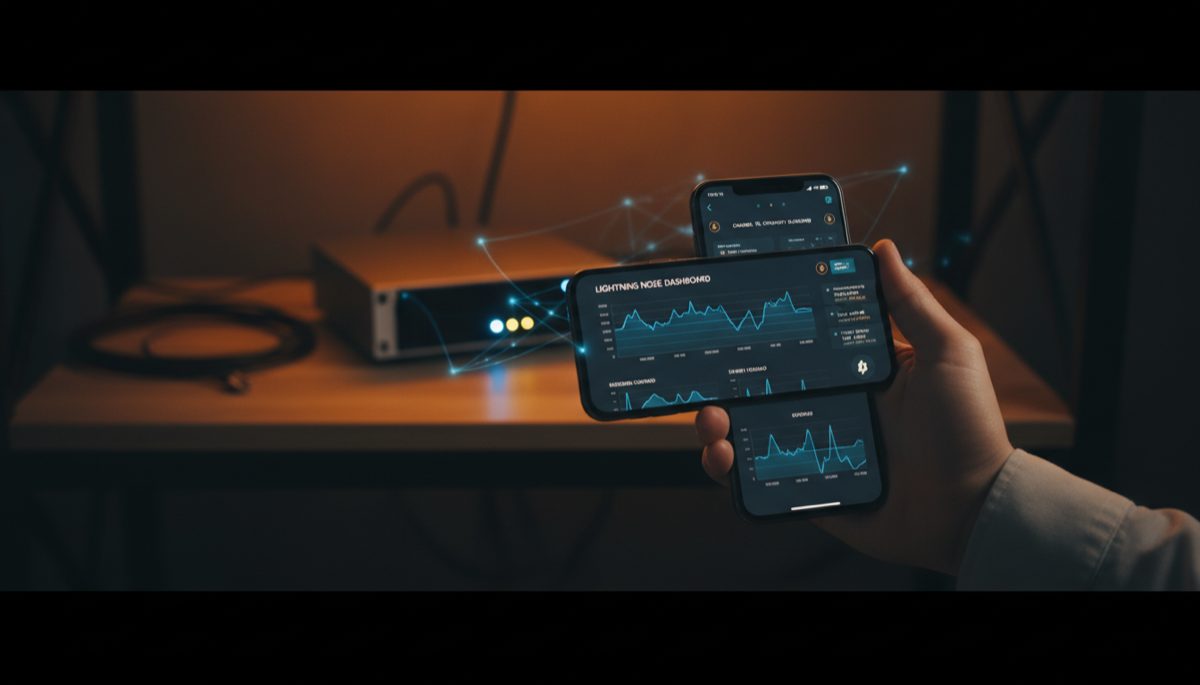
The evolution of Bitcoin’s Lightning Network has brought unprecedented opportunities for scaling and improving user experience, while simultaneously introducing new challenges in maintaining the core principles of sovereignty and privacy. As the ecosystem matures, the intersection of self-hosted nodes, mobile applications, and user-friendly interfaces has become a critical frontier in the advancement of Bitcoin’s second layer technology.
The fundamental tension between convenience and sovereignty has long been a central theme in Bitcoin’s development. This dynamic becomes particularly apparent when examining the architecture of Lightning Network implementations, especially in the context of mobile integration and remote node access. While the promise of instant, low-cost transactions has been realized through Lightning, the technical complexities of maintaining full node sovereignty while enabling seamless mobile access present significant challenges.
The architecture of Lightning node management systems typically falls into three distinct models: fully custodial solutions, hybrid approaches utilizing middleware services, and completely self-sovereign setups. Each model presents its own set of tradeoffs between accessibility, privacy, and security. The fully custodial model sacrifices sovereignty for convenience, while complete self-sovereignty often comes at the cost of user experience and mobile accessibility.
When examining the technical requirements for remote node access, the role of networking protocols becomes crucial. Traditional clearnet connections, while offering superior performance and reliability, often introduce security vulnerabilities and privacy concerns. Tor-based connections, alternatively, provide enhanced privacy but may impact performance and reliability. The implementation of these networking protocols must be carefully considered in the context of mobile integration.
The concept of middleware services in Lightning node management deserves particular scrutiny. While these services can bridge the gap between mobile applications and self-hosted nodes, they introduce potential privacy and security considerations. The architecture of such services must be examined for potential points of centralization or data leakage, as well as their impact on the overall sovereignty of the Lightning node operation.
Privacy considerations in Lightning node management extend beyond simple connection methods. The metadata generated through node operations, including channel management and routing information, can potentially reveal significant information about user behavior and financial patterns. Implementation of privacy-preserving features must be considered at both the protocol and application layers.
Authentication mechanisms represent another critical aspect of remote node management. The implementation of secure authentication systems must balance the need for robust security with user experience considerations. Modern approaches often utilize macaroons or similar capability-based security systems, which provide granular control over permissions while maintaining usability.
The integration of Lightning Network functionality with mobile devices raises important questions about key management and custody models. The security of private keys and channel states must be maintained while enabling practical mobile access. Various technical approaches exist, from simple remote signing to more complex multi-signature arrangements, each with its own security and usability implications.
Looking toward the future of Lightning Network mobile integration, several key developments show promise. The emergence of new protocols for secure remote access, improvements in Tor integration, and advanced authentication mechanisms all contribute to the evolution of more robust and user-friendly solutions. The continued development of these technologies will be crucial in achieving the ideal balance between sovereignty and accessibility.
The broader implications for Bitcoin’s ecosystem are significant. As Lightning Network adoption grows, the solutions developed for mobile integration and remote node access will play a crucial role in shaping user behavior and expectations. The success of these implementations will influence not only technical development but also the broader adoption of Bitcoin as a payment system.
In conclusion, the challenge of integrating Lightning Network nodes with mobile applications while maintaining sovereignty represents a critical frontier in Bitcoin’s technical development. The solutions emerging in this space must carefully balance security, privacy, and user experience considerations. As the ecosystem continues to mature, the development of robust, privacy-preserving solutions for mobile integration will be essential for the broader adoption of Bitcoin’s Lightning Network.
Lightning Network can complement this approach — see Lightning Channel Management: Best Practices.
Second-layer solutions are relevant here — learn about Lightning Network Liquidity: Channel Guide.
Lightning Network can complement this approach — see Lightning Node Setup: Personal Operation Guide.
For instant payment capabilities, explore Lightning Network Reliability: Wallet Issues.
Second-layer solutions are relevant here — learn about Lightning Network Regulation: Access Challenges.
For instant payment capabilities, explore Non-Custodial Lightning Wallets: Privacy Guide.
Node operators can benefit from understanding DIY Bitcoin Node: Build Your Own Setup.
Node operators can benefit from understanding Bitcoin Node Security and Decentralization.
Financial privacy intersects with this topic — explore Bitcoin Privacy and Compliance: Balance.
Financial privacy intersects with this topic — explore Bitcoin Taint Analysis: Surveillance Guide.
Financial considerations are covered in Bitcoin Tax Rules: Holding and Lightning.
The economic implications are explored in Bitcoin Yield Risks: Layer 2 and Staking.
For a broader perspective, explore our running a Lightning node guide.
Step-by-Step Guide
Connecting your mobile device to a self-hosted Lightning node requires careful setup to ensure both security and usability. Follow these steps to achieve reliable mobile access to your Lightning node.
Step 1: Ensure Your Lightning Node Is Fully Synced. Before configuring mobile access, verify that both your Bitcoin Core backend and Lightning implementation (LND, CLN, or Eclair) are fully synchronized with the network. Check sync status with lncli getinfo (for LND) and confirm synced_to_chain: true. A partially synced node will produce unreliable payment results and channel state information on your mobile device.
Step 2: Configure Tor for Remote Access. Install Tor on your node with sudo apt install tor. Enable the Tor hidden service by adding configuration lines to /etc/tor/torrc that map your Lightning node’s REST or gRPC port to a .onion address. Restart Tor and note the generated .onion address from /var/lib/tor/<service-name>/hostname. Tor provides encrypted, NAT-traversing connectivity without exposing your home IP or requiring port forwarding on your router.
Step 3: Generate Connection Credentials. For LND, create a macaroon with restricted permissions using lncli bakemacaroon. A read-only macaroon allows monitoring without spending capability, while an “admin” macaroon grants full control. For Zeus wallet, export the connection string using the Zeus companion script or manually combine your .onion address, port, and hex-encoded macaroon. For Zap wallet, generate an lndconnect URI with lndconnect --host=your.onion --port=8080 -j.
Step 4: Install and Configure Your Mobile Wallet. Download Zeus, Zap, or BlueWallet on your mobile device. Open the app and navigate to node connection settings. Paste or scan the connection URI generated in the previous step. Zeus supports LND, CLN, and Eclair backends; Zap supports LND exclusively. Set the connection type to Tor and allow the app time to establish the initial .onion connection, which typically takes 10-30 seconds.
Step 5: Test With a Small Payment. Before relying on the mobile connection for real transactions, send a small Lightning payment (100-1000 sats) to a test invoice. Verify the payment appears in both your mobile wallet and your node’s payment history via the command line. Test receiving a payment as well by generating an invoice from the mobile app and paying it from another wallet. This confirms bidirectional functionality through the Tor connection.
Step 6: Configure Watchtower Protection. If your mobile wallet supports watchtower functionality, enable it to protect against channel breach attempts while your node might be temporarily offline. LND includes a built-in watchtower server that can be activated with watchtower.active=true in lnd.conf. This provides an additional security layer that monitors your channels and broadcasts penalty transactions if a counterparty attempts to close with an outdated state.
Step 7: Optimize for Battery and Connectivity. Configure your mobile wallet to connect on-demand rather than maintaining a persistent Tor connection, which drains battery. Zeus and Zap both support reconnecting automatically when you open the app. Disable background sync if battery life is a concern. For faster connections, consider running a Tor bridge on your node or using a hybrid clearnet/Tor setup where the initial handshake uses Tor but subsequent data transfers occur over an encrypted clearnet tunnel.
Common Mistakes to Avoid
1. Using Admin Macaroons on Mobile Devices. Granting full administrative access to a mobile wallet creates unnecessary risk. If your phone is lost, stolen, or compromised, an attacker gains complete control over your Lightning node — including the ability to close channels and withdraw all funds. Bake custom macaroons with only the permissions you need: invoice creation, payment sending, and channel monitoring are sufficient for most mobile use cases.
2. Exposing Your Node Over Clearnet Without Encryption. Connecting to your node via its public IP without TLS encryption exposes your macaroon credentials and all communication to network eavesdroppers. Always use Tor or, at minimum, a VPN tunnel between your mobile device and home network. Never connect over plain HTTP on public WiFi — this is equivalent to broadcasting your node credentials to everyone on the network.
3. Neglecting Channel Backup Procedures. Mobile access creates a false sense of security — if your node’s storage fails, having a mobile wallet connected to it does not protect your channel funds. Export your Static Channel Backup (SCB) file regularly and store it in multiple secure locations. LND generates this file at ~/.lnd/data/chain/bitcoin/mainnet/channel.backup. Automate backup with a script that copies the SCB to encrypted cloud storage after every channel state change.
4. Ignoring Tor Connection Timeouts. Tor connections are inherently slower and less reliable than clearnet. If your mobile wallet times out during a payment, do not retry immediately — the first payment may still be in-flight through the Lightning network. Wait 60 seconds and check your payment history before attempting again. Double-payments on Lightning are unlikely but possible if you create duplicate payment attempts with different routes.
Frequently Asked Questions
Which mobile wallet works best with a self-hosted Lightning node?
Zeus is the most versatile option, supporting LND, Core Lightning (CLN), and Eclair backends with full Tor connectivity. It offers channel management, on-chain transactions, and LNURL support from a single app. Zap is a solid LND-only alternative with a clean interface. BlueWallet can connect to your LND node via its LNDHub middleware, but this adds a software layer between your wallet and node. For most self-hosted setups, Zeus provides the best balance of features and direct node connectivity.
How do I fix slow or failed connections over Tor?
Slow Tor connections typically stem from overloaded relays in your circuit. Restart your node’s Tor service with sudo systemctl restart tor to establish new circuits. If connections fail consistently, check that your Tor hidden service is configured correctly and that your Lightning node is actually listening on the mapped port. Verify with lncli getinfo that your node shows the correct .onion URIs. Some users find that adding NumEntryGuards 3 and CircuitBuildTimeout 30 to torrc improves connection reliability.
Can I use my Lightning node from multiple mobile devices simultaneously?
Yes, LND and CLN both support multiple concurrent client connections. You can connect Zeus on your phone and Zap on a tablet to the same node simultaneously. Each device uses its own macaroon for authentication. However, avoid initiating payments from multiple devices at the exact same time, as this can create conflicting channel state updates. For security, bake separate macaroons for each device so you can revoke access to a single device independently if it is compromised.
Is it safe to open and close Lightning channels from a mobile device?
Technically yes, but exercise caution. Opening channels from mobile works well since it is a simple on-chain transaction. Closing channels — especially force-closes — involves time-locked transactions that require your node to be online to monitor for breach attempts. Only initiate cooperative closes from mobile, and only when you know your node will remain online throughout the process. Avoid force-closing channels from a mobile device unless absolutely necessary, as this locks funds for up to two weeks and requires watchtower protection.
Related Resources
- Running a Lightning Node: Complete 2026 Guide — Comprehensive walkthrough of setting up an LND or CLN node from scratch.
- Lightning Channel Management: Best Practices — Optimize your channel capacity, rebalancing, and fee policies for reliable routing.
- Non-Custodial Lightning Wallets: Privacy Guide — Compare self-custodial Lightning wallet options and their privacy tradeoffs.
- Lightning Network Liquidity: Channel Guide — Understand inbound and outbound liquidity dynamics for effective node operation.